Sessions and bookings
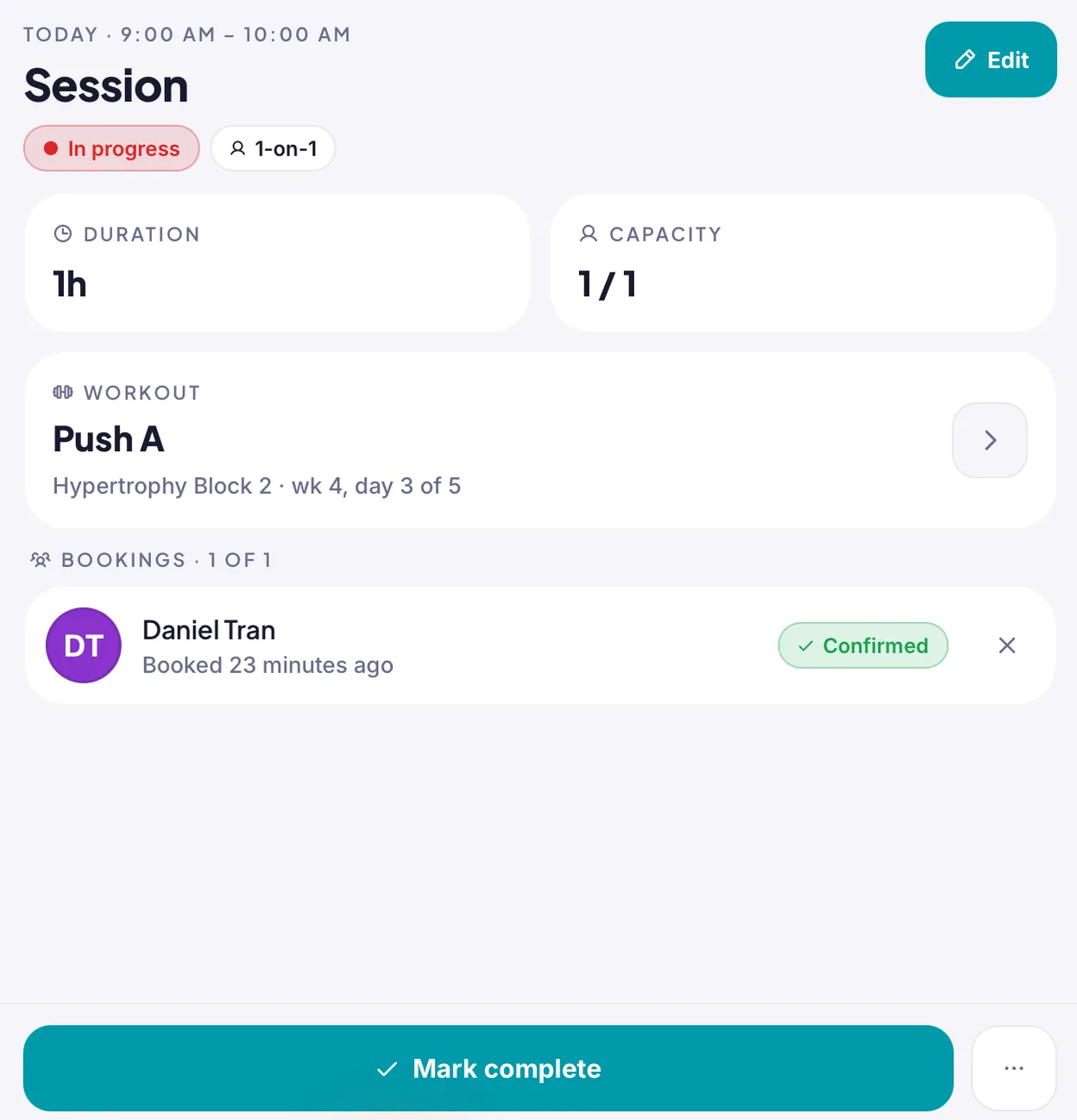
Set your availability, run one-on-one and group sessions, including recurring ones, and let clients book from their phone. Attach a workout to any session.

Programmes, sessions, nutrition, progress and chat, shared between your web portal and your clients’ phones. Built alongside a working trainer, one problem at a time.
Web portal for trainers iPhone, iPad and Android app for trainers and clients
What the trainer sets up shows up for the client. What the client logs comes back to the trainer.
Training, nutrition, bookings, check-ins and chat in one system, so nothing about a client lives in a notes app or a text thread.
Set your availability, run one-on-one and group sessions, including recurring ones, and let clients book from their phone. Attach a workout to any session.
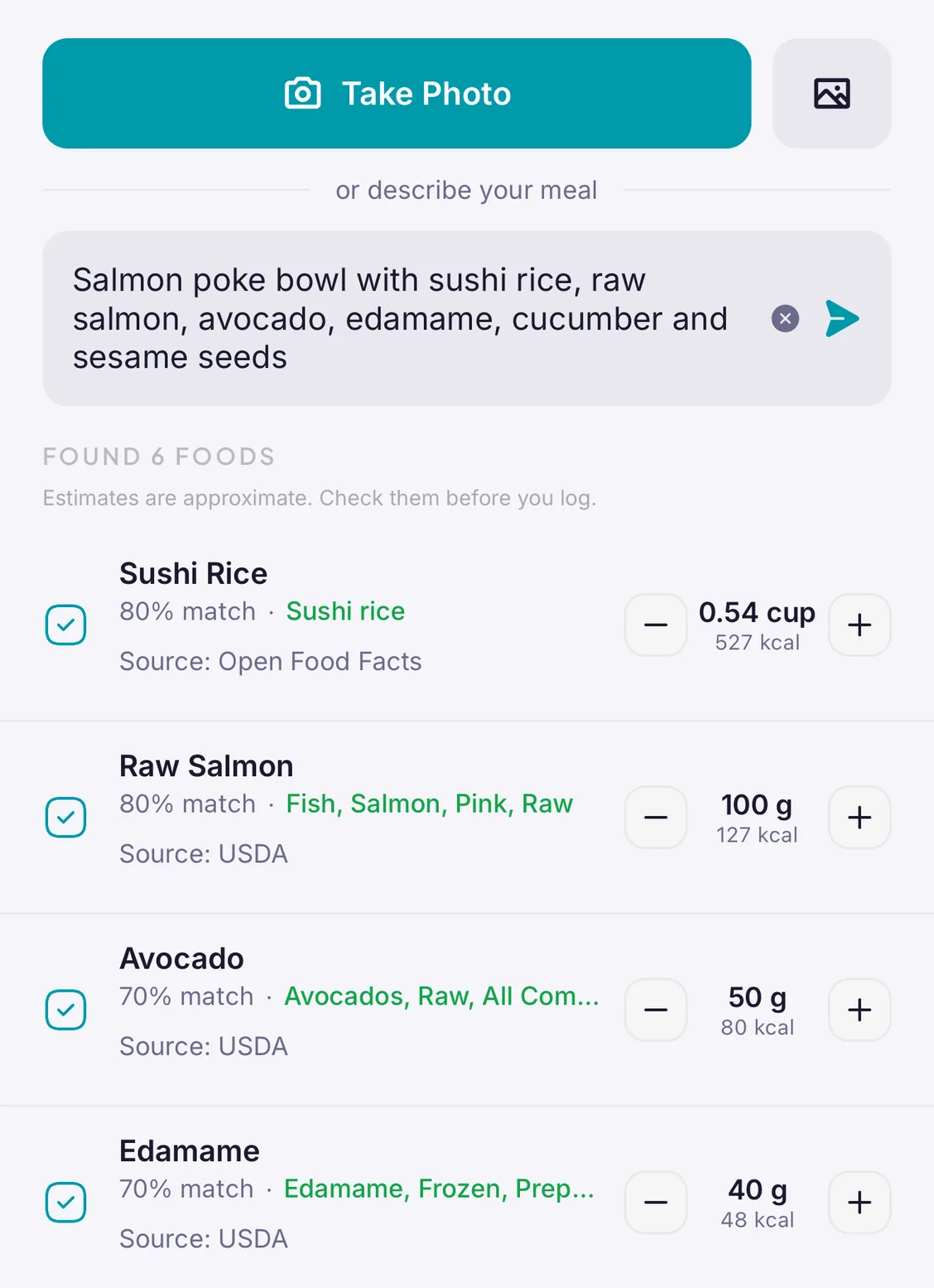
Clients log food against meals and daily targets, track water, and let AI Scan turn a photo or a description into an entry. A weekly recap shows you how the week went.
Build a programme once in the web portal, from a shared exercise library, and assign it in a step. Save it as a template and the next client takes a minute.
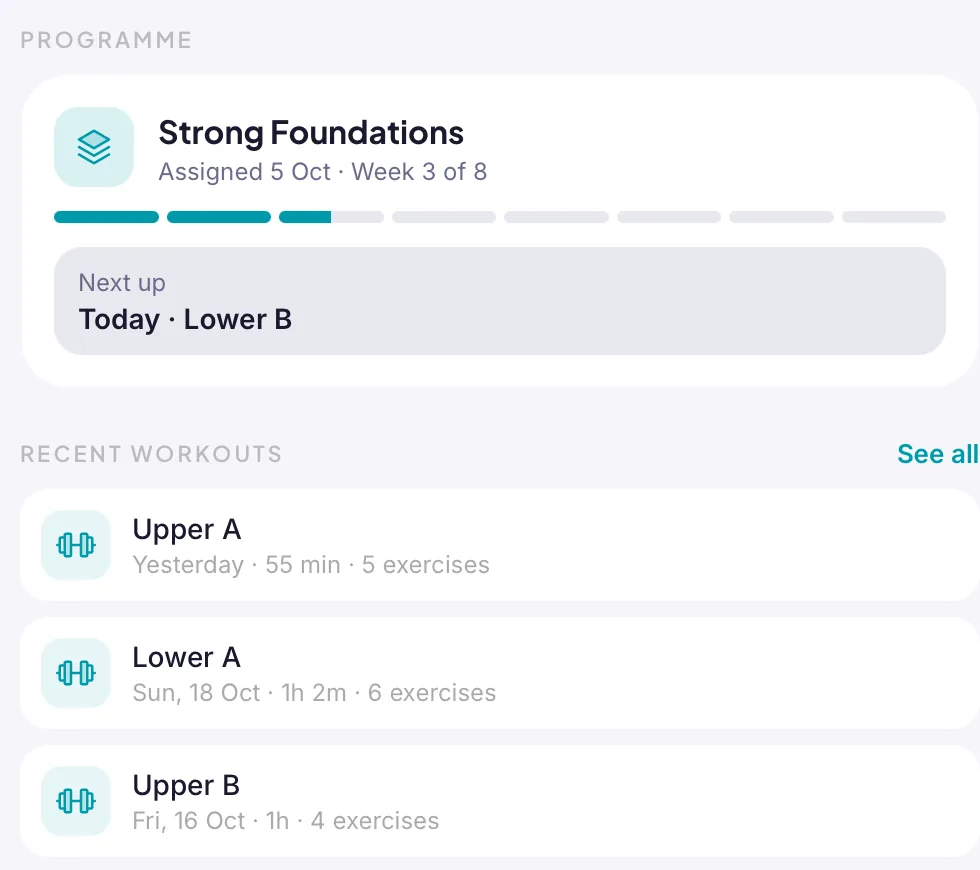
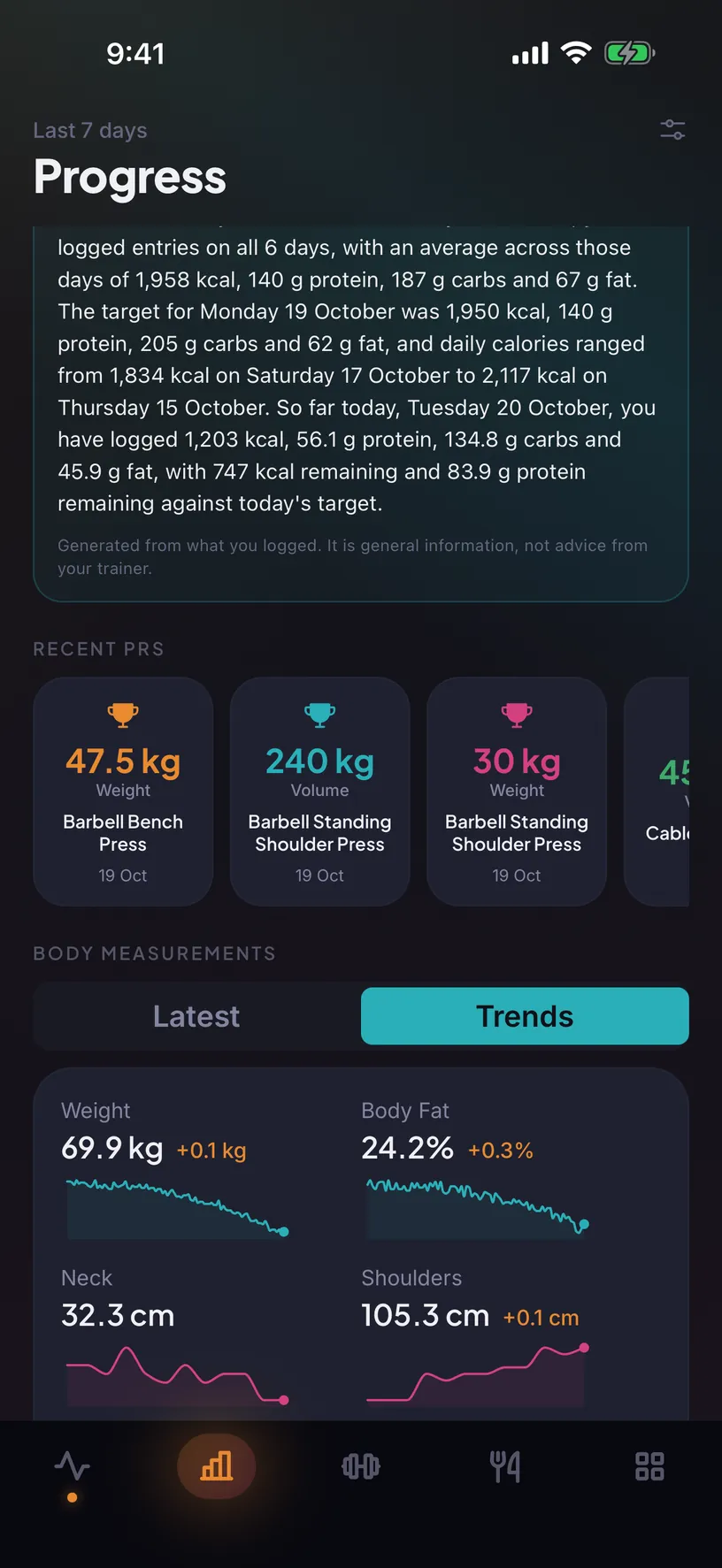
Progress photos with notes, body measurements, weight and every personal record, in one place you and your client can both see.
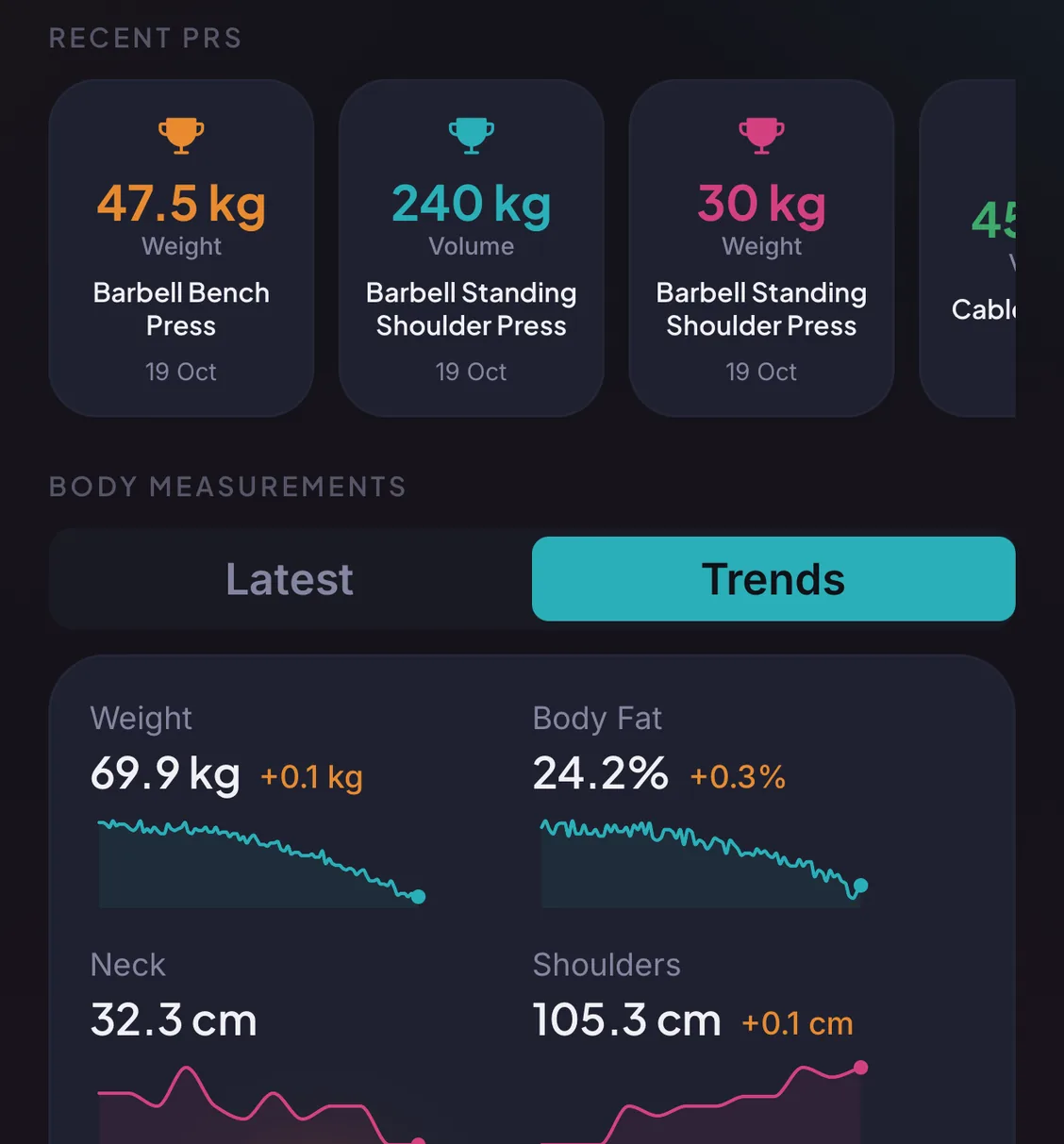
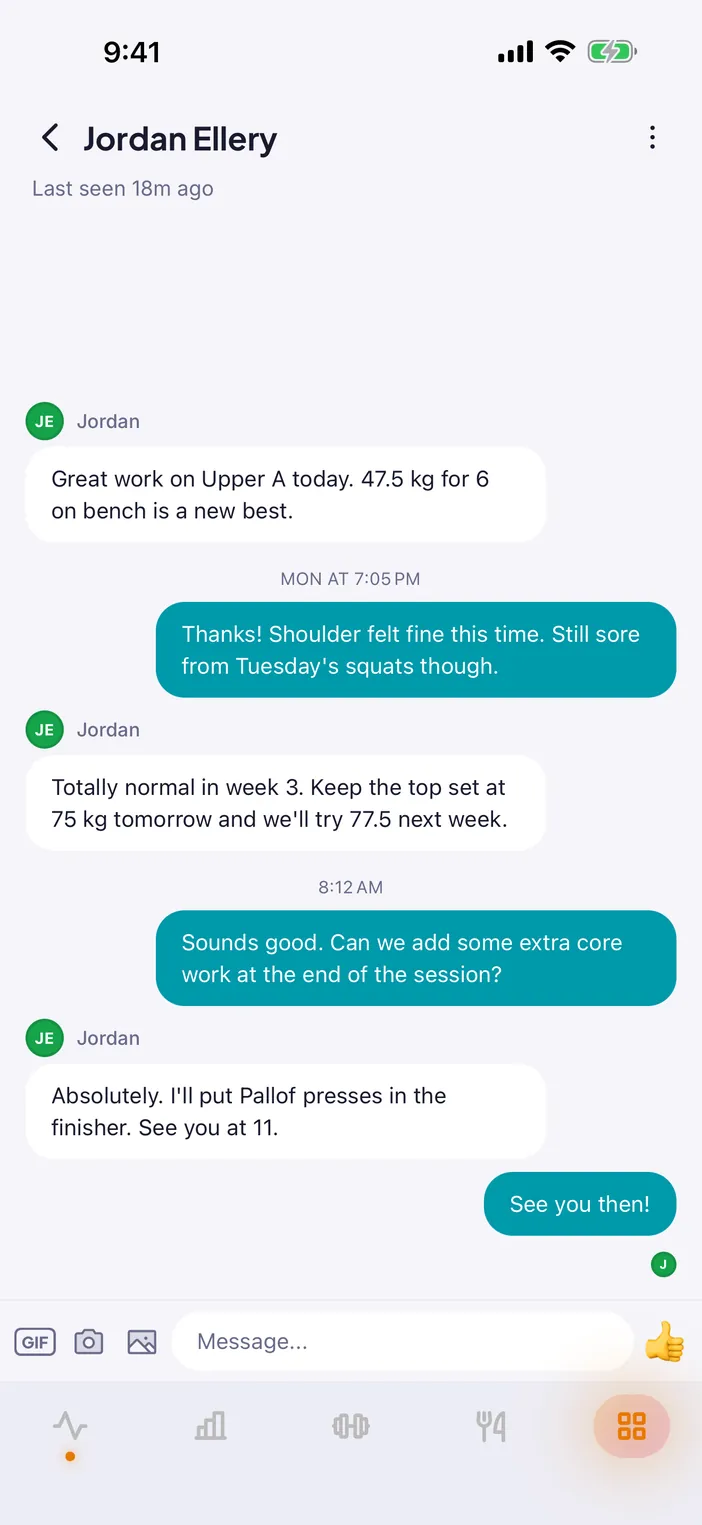
Direct chat with each client plus channels for the whole practice, with filtering, reporting and blocking built in rather than bolted on.
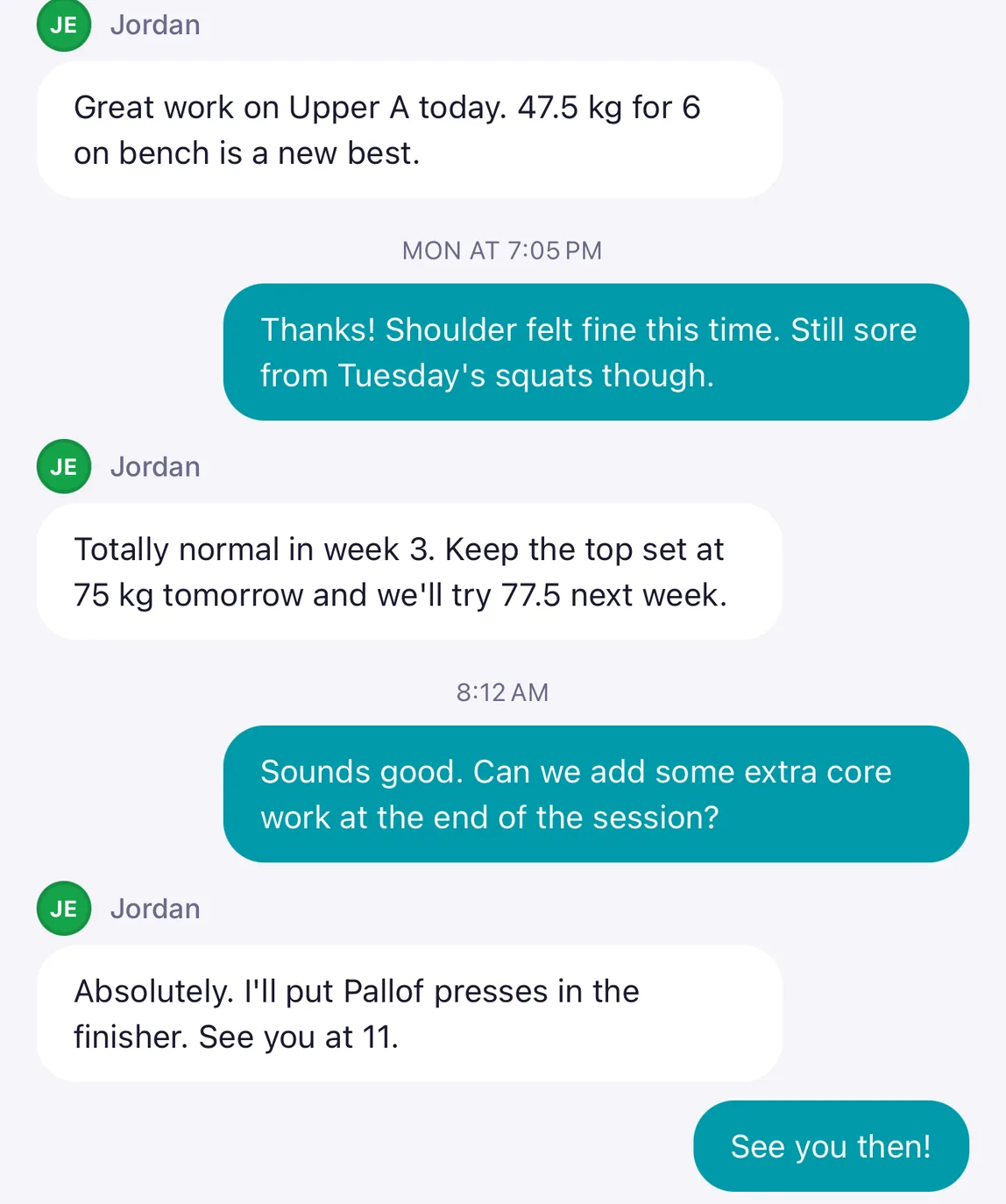
Write check-in forms with your own questions and assign them to clients. Responses land in the client view, so the next session starts informed.
The web portal is where programmes get built and the agenda gets planned. The app is for everything that happens between sessions.
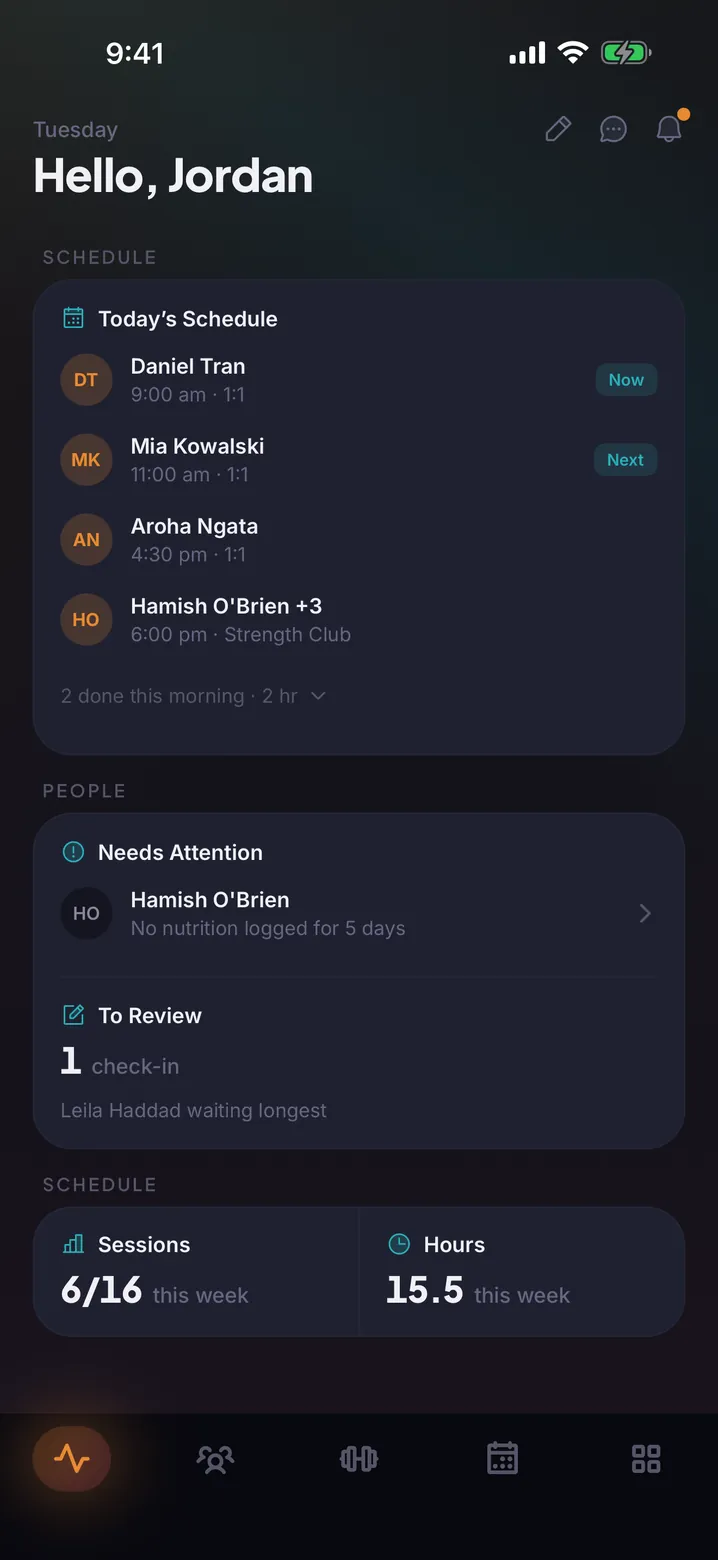
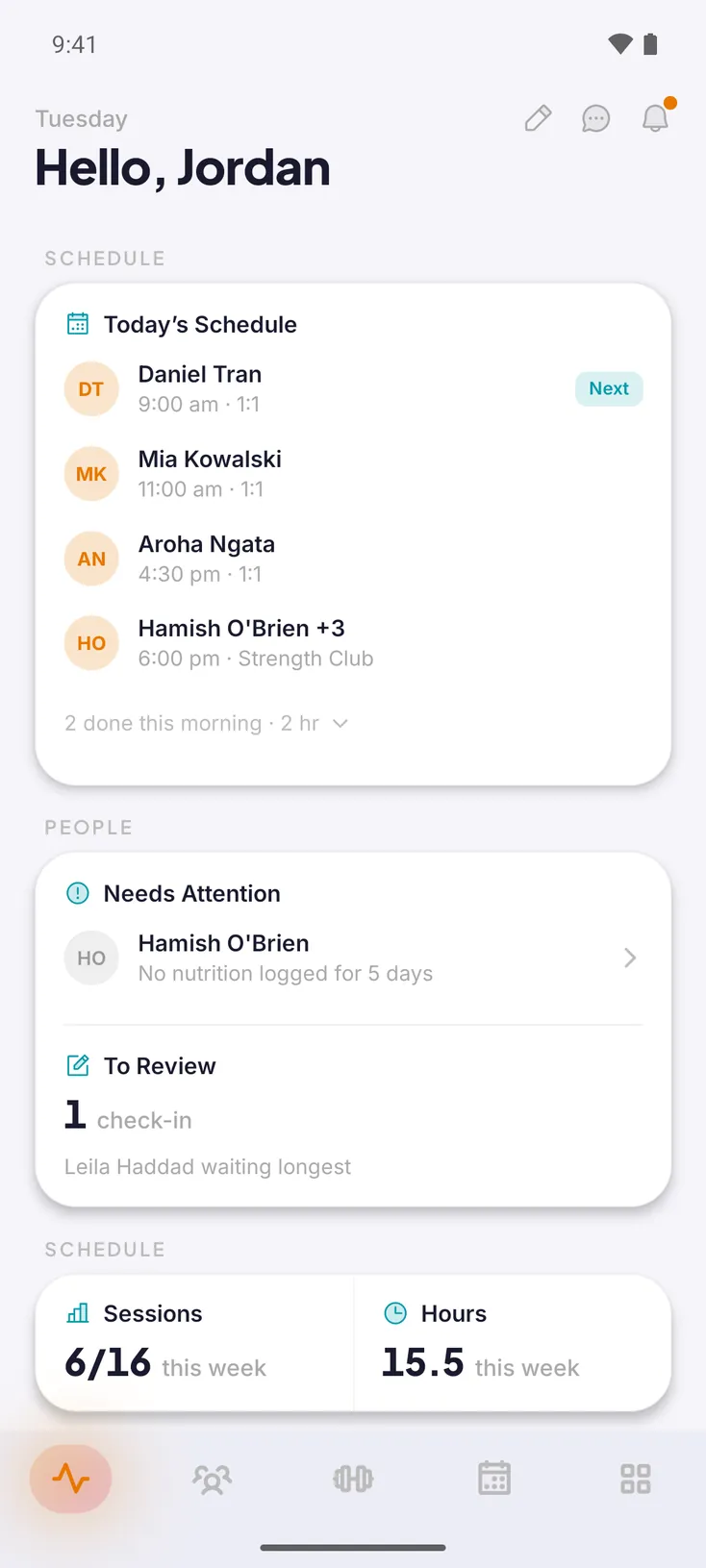
Today's sessions, who needs a nudge and the week's hours, the moment you open the app.
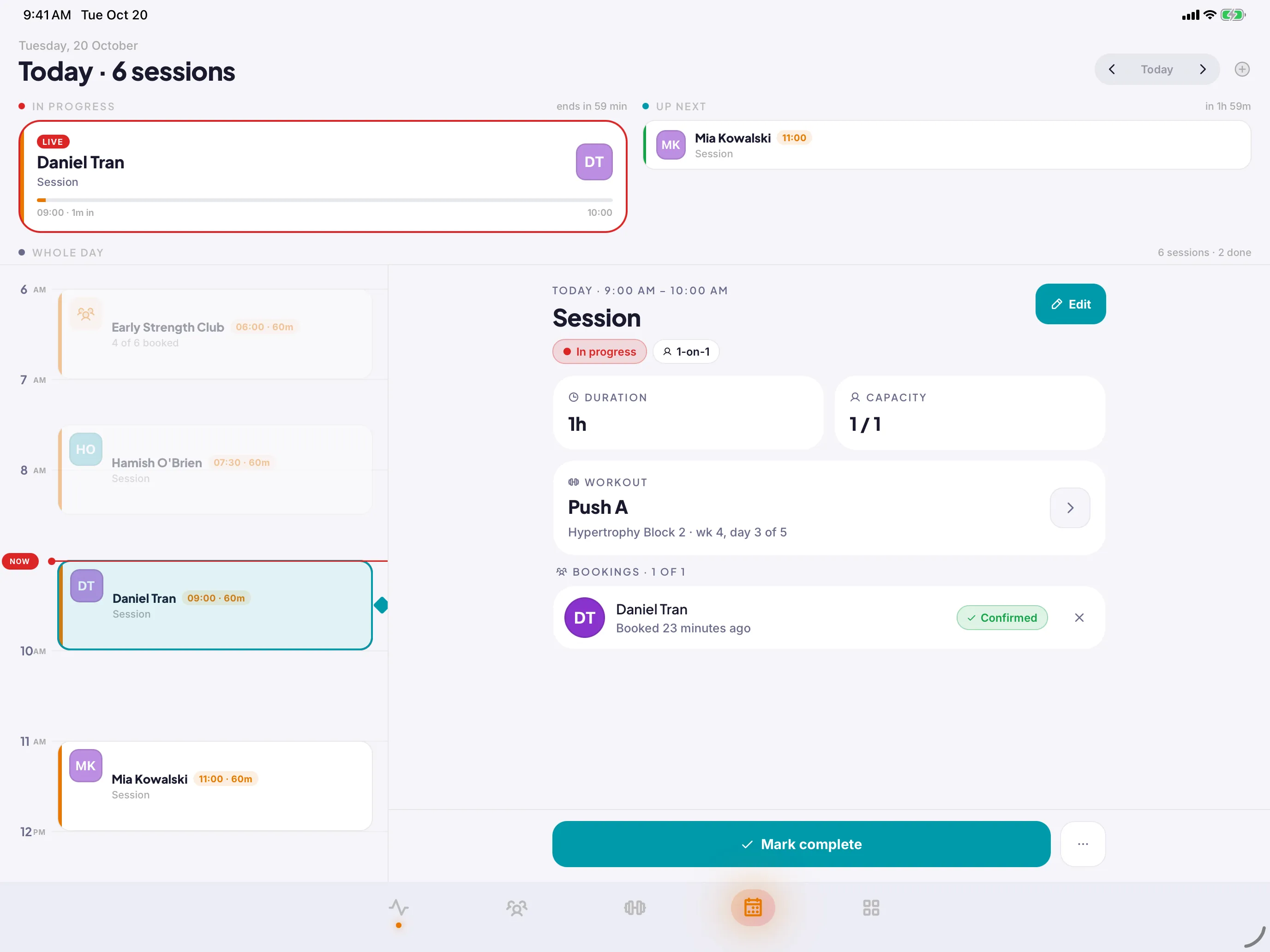
Every session, the one on now, and who has booked. Open a session to see the workout, the bookings and the button to mark it complete.
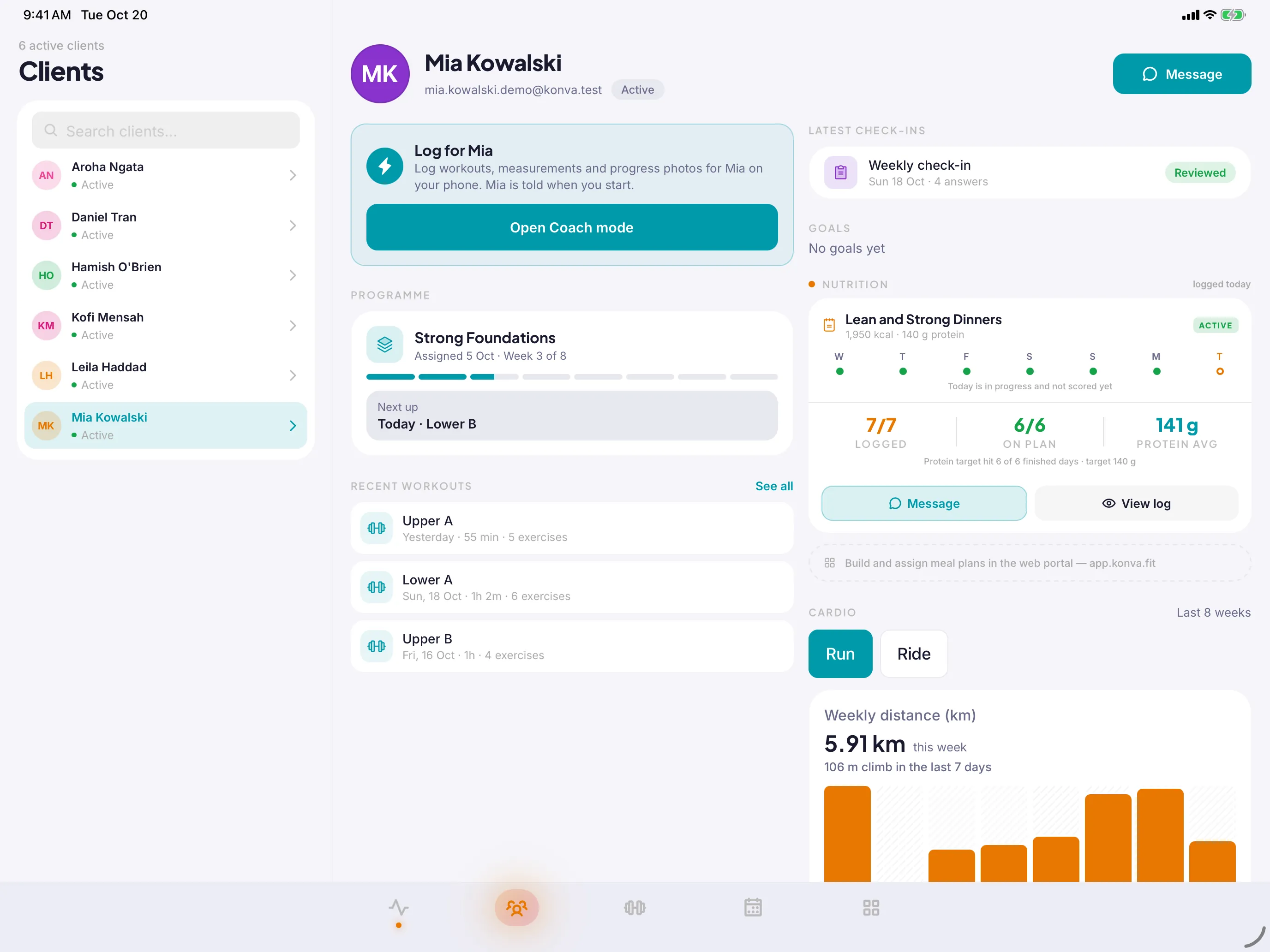
Programme, workouts, nutrition and check-ins, side by side.
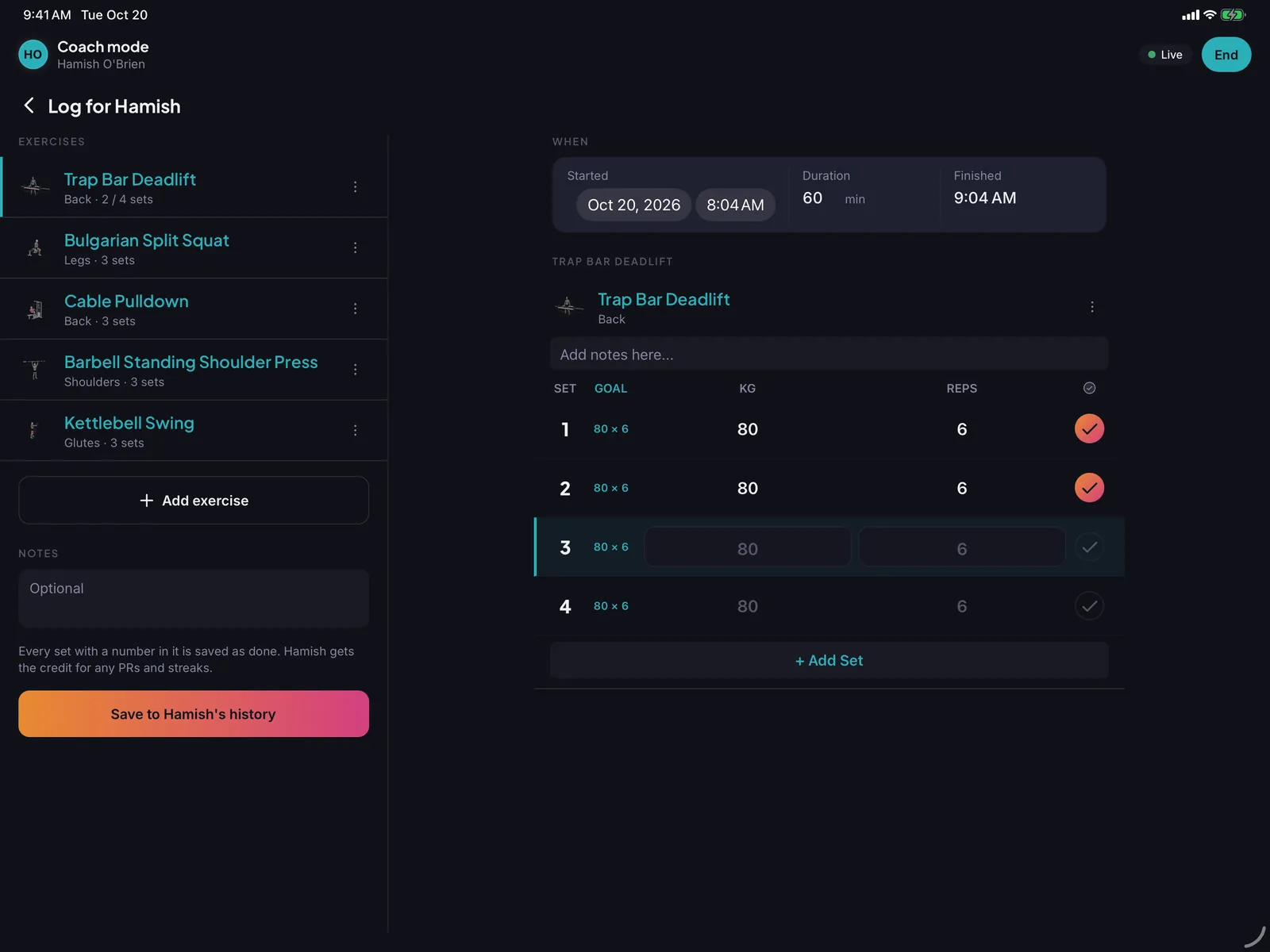
Log a client's session on your phone or iPad while you coach. It still counts for them.
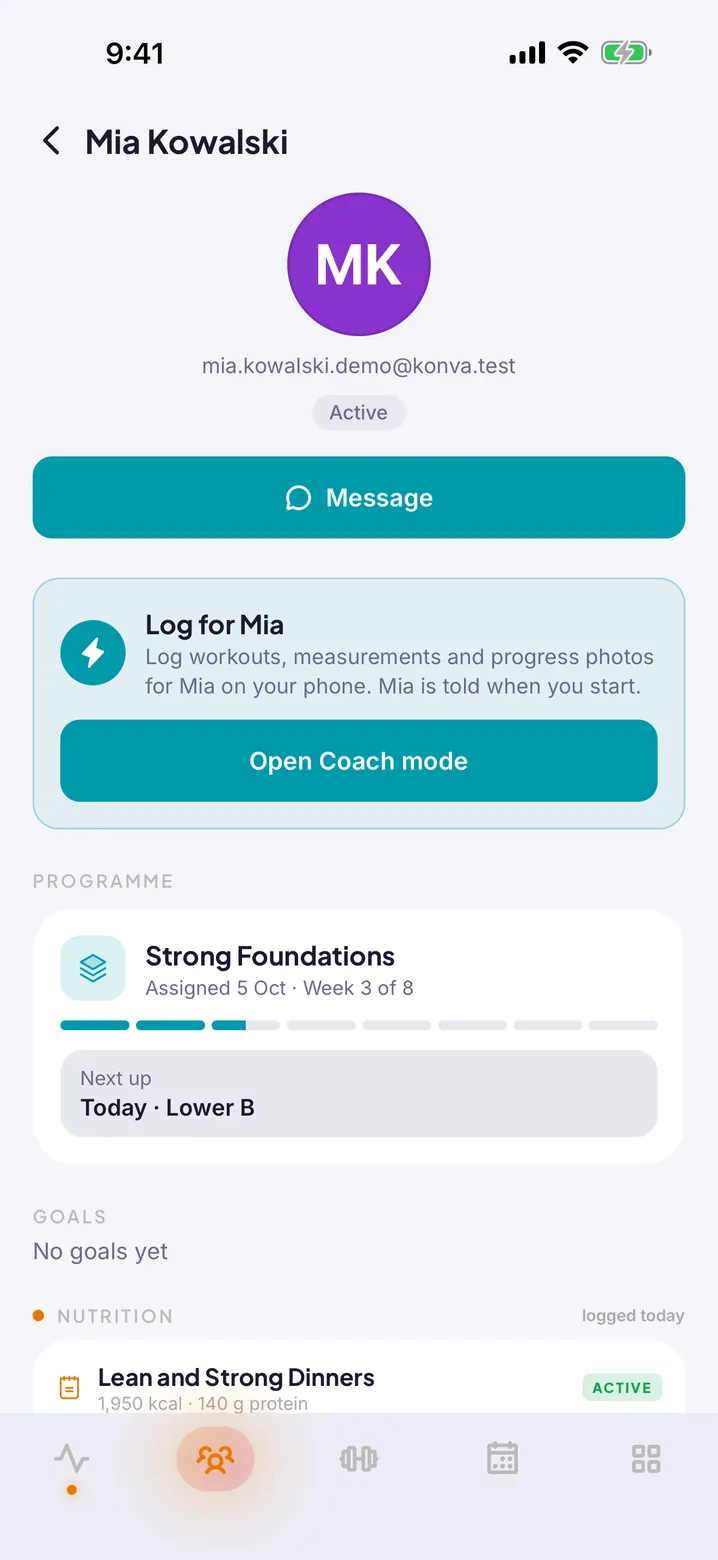
Your trainer sets it up. You open the app and it is all there: today’s workout, when you are booked in, and who to ask.
Assign a programme and the next workout is waiting on your client's Today screen, week after week.
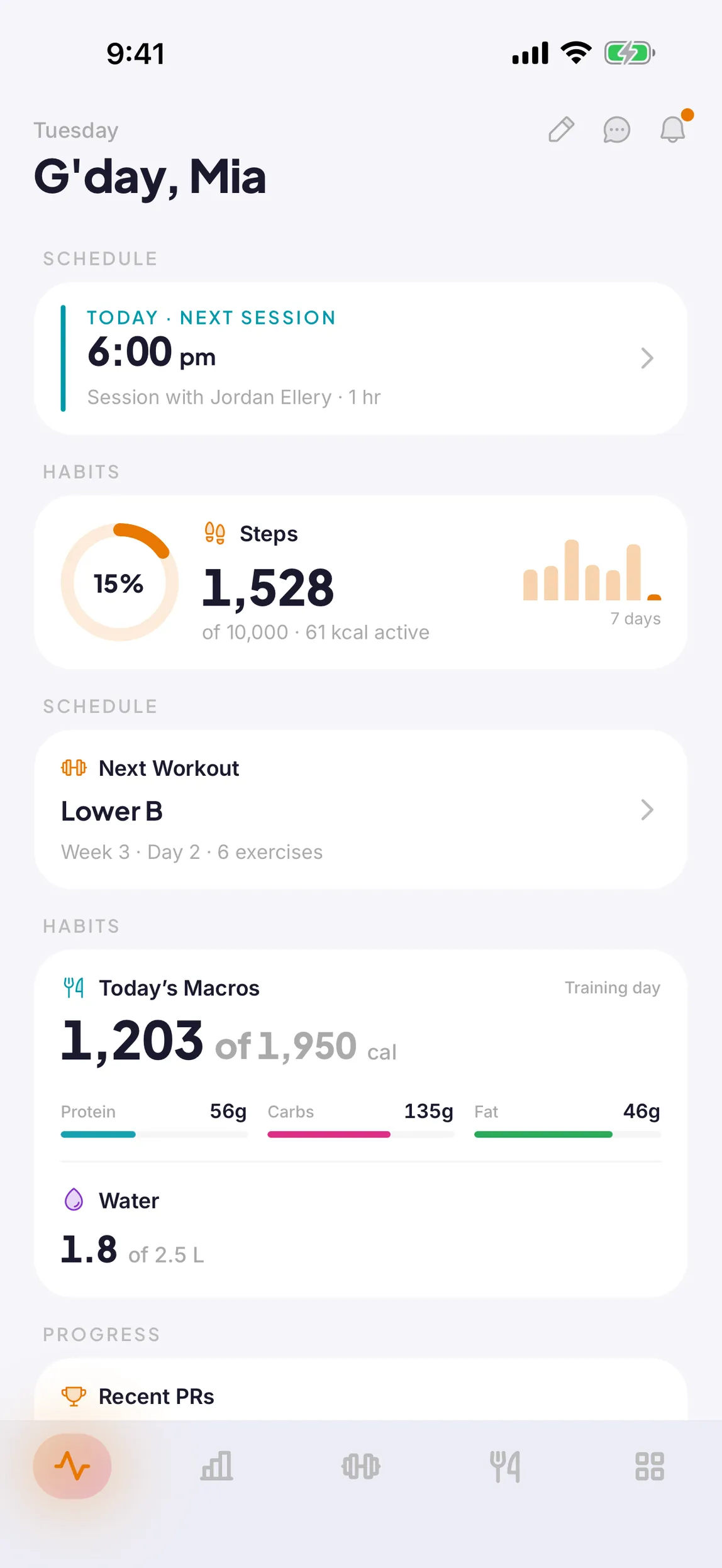
Next session, workout, macros and steps, the moment you open it.
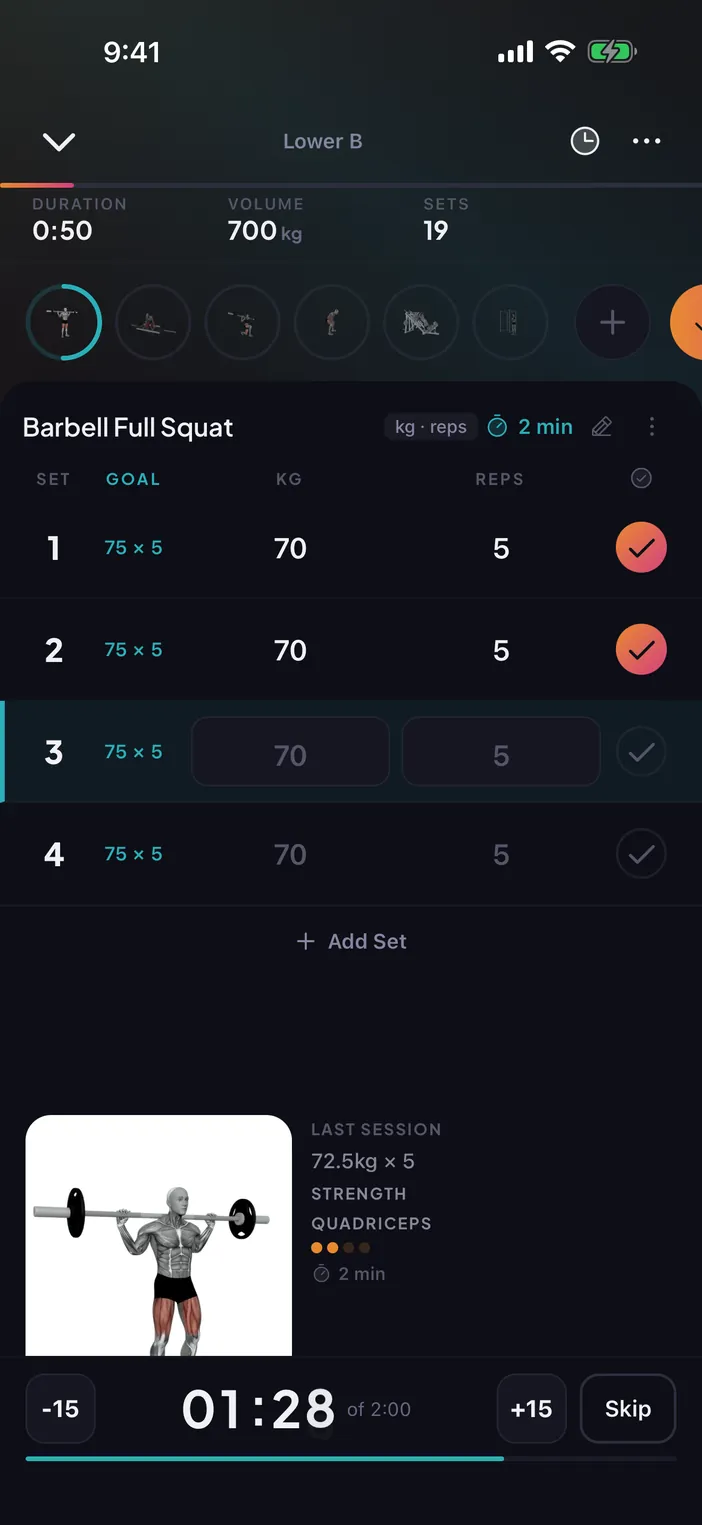
Last session's numbers on hand and a rest timer that keeps counting.
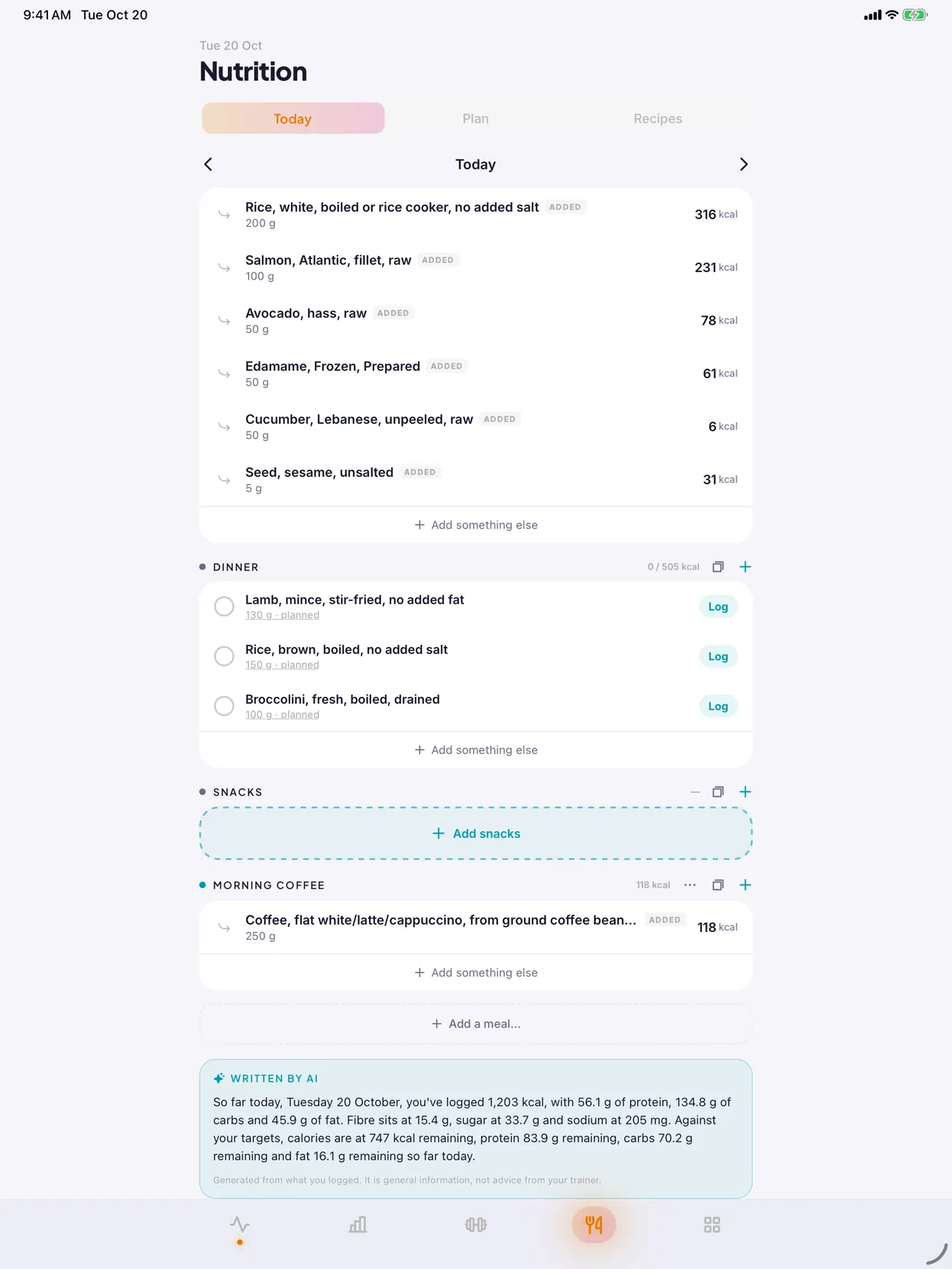
Log meals as you go. An optional recap, written by AI, shows where the day landed against your targets.
AI Scan suggests foods and amounts from a photo or a few words. You check them before logging.
AI Scan and the recap use Claude, by Anthropic, which receives only what the feature needs and may not use it to train its models.
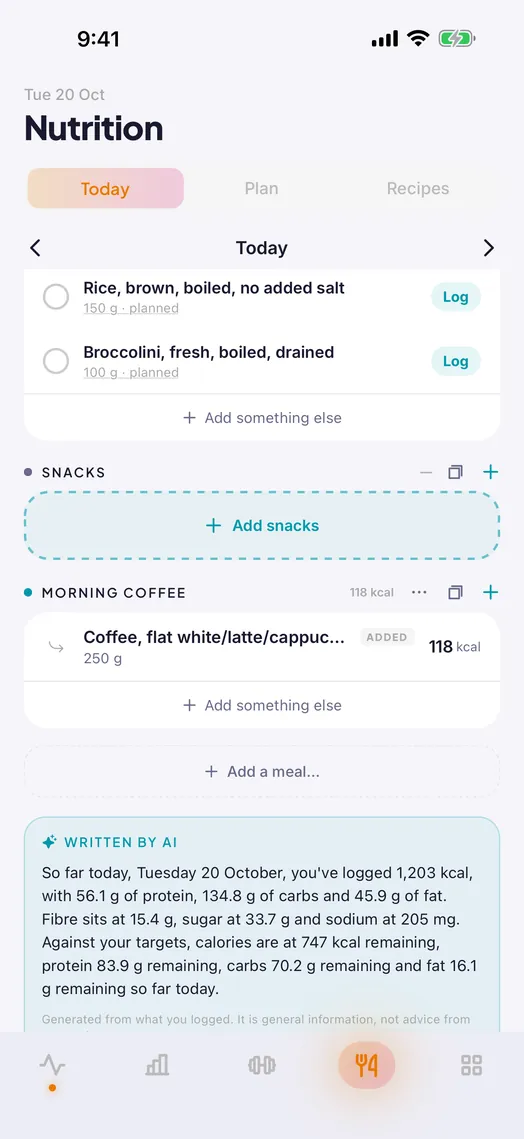
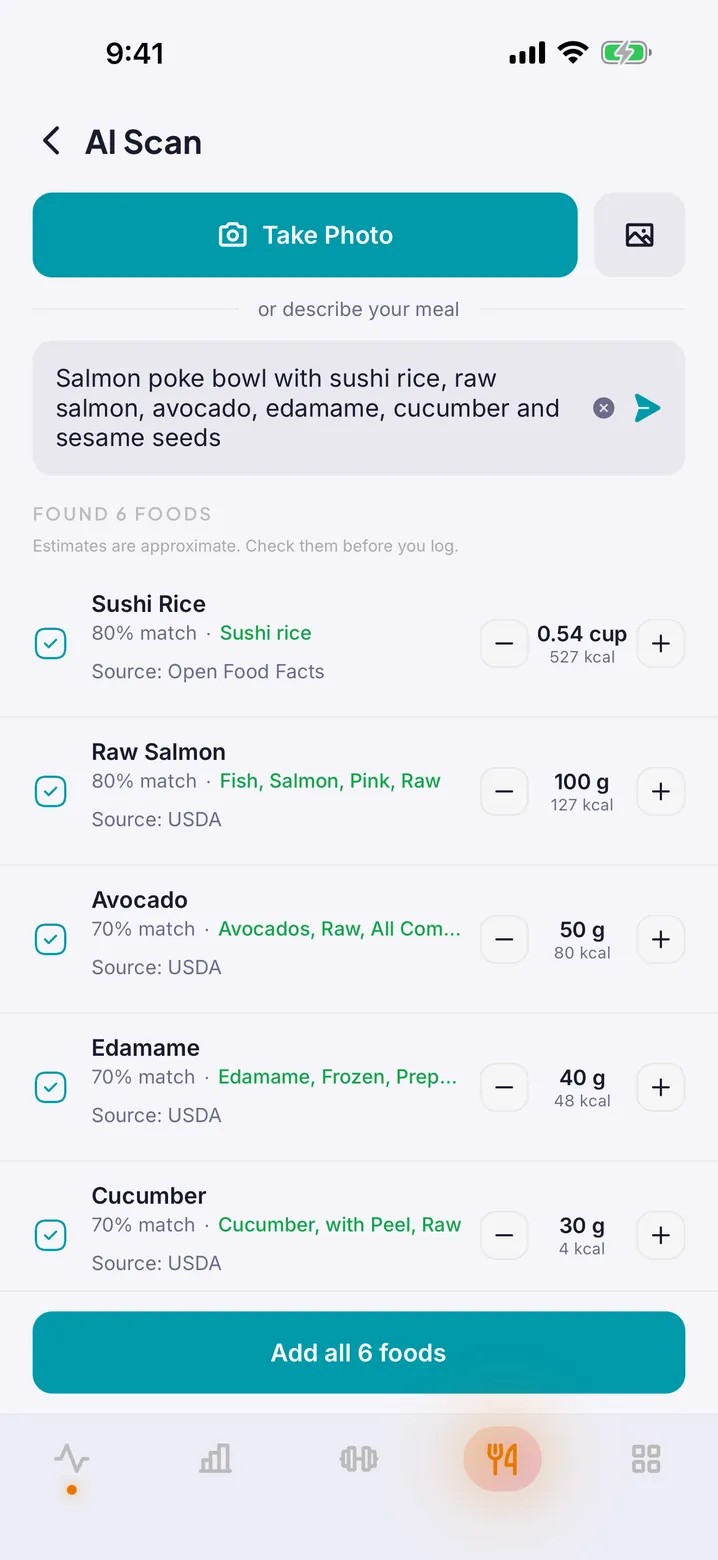
Personal records, body measurements and trends in one place.
Chat with your trainer, or your client, right next to the training. No second app, no lost thread.
Optionally connect Apple Health or Health Connect. Workouts, steps, active energy and heart rate are read in, so your trainer sees the whole week, not just the sessions with them.
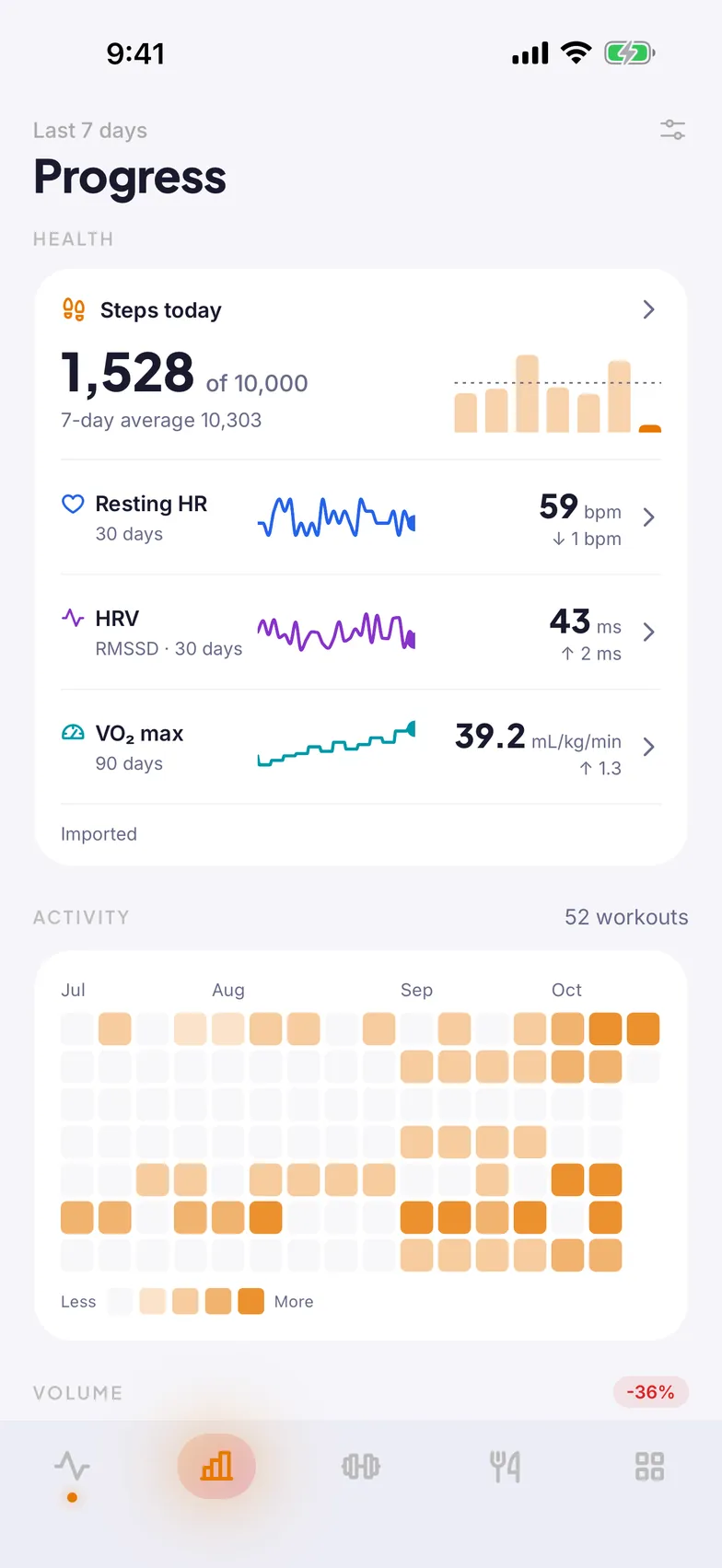
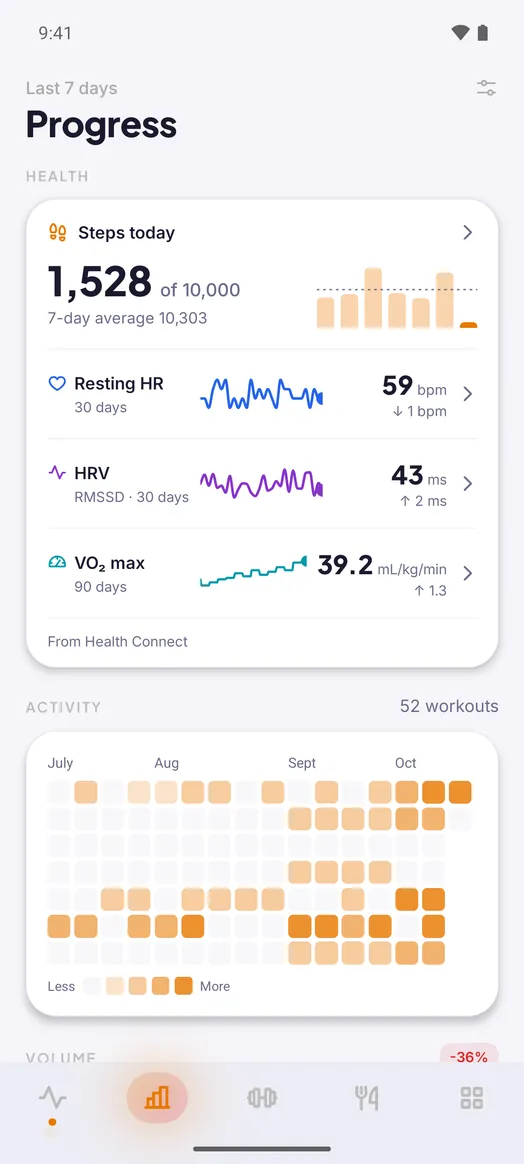
Workouts and daily activity are separate permissions. Turn on either, both or neither.
Finished Konva workouts, food, water and weight can be written to your health app, each behind its own switch.
Turn it off and the records we synced are deleted. Health data is never used for advertising.
Programme templates, one current programme per client and bookings that look after themselves: the week gets set up once, so the time goes into coaching.
Publish your availability and group sessions, including recurring ones, and clients book into them from the app. No messages back and forth.
Every booked session sends a reminder to clients who have notifications on, and clients can sync their sessions to the calendar they already use. You do not send a thing.
Send an invite link or read out a six-digit code. The client lands in your organisation with their programme, bookings and chat ready.
“The starting point was not a market or a category. It was the trainer’s actual week.”
Konva started as one developer trying to make one personal trainer’s week easier. Each feature became part of the app only once someone with real clients needed it, and each was shaped by watching what happened when it was used.
That is slower than shipping a checklist of features. It is also why the things that are in the app work the way a trainer expects them to.
It is still a small team, and the people who answer the support inbox are the people who write the code.
Read the storyTwo principles that decide most things
A trainer has their own workouts, nutrition and progress. Konva never hides the training features from a trainer, and one account can be a client of one coach and a coach to others.
Every decision gets weighed against what a client will open at six in the morning, in a car park, before a session.
A weight, a progress photo or a check-in answer is some of the most personal information a person shares with anyone. These are the commitments that follow.
Konva is for people aged 16 and over. Date of birth is checked at sign-up and only the year is kept.
Health information is sensitive information under the Australian Privacy Principles, and it is treated that way throughout, not only where the law forces it.
Nothing in the app follows you around the internet, and health data is never used for advertising.
Settings, Account, Delete. Your data is removed straight away, and the details are published on this site.
The full detail is in the Privacy Policy and on the account deletion page.
Konva runs on iPhone and iPad, and on Android phones and tablets. On the big screen, nutrition gets room for every meal and the day's summary.
Create your organisation in the web portal, build your first programme and invite a client. There is no payment in the app today: trainers are not charged, and clients pay their trainer the way they already do.